7. SolidPing on-call schedules: rotations, overrides and iCal
DocumentationAn on-call schedule answers a simple question: who is responsible right now?
In this video you create a weekly rotation with a handoff time in your own timezone, add three people to the roster, see who is on call now and next, add an override to cover a shift, and publish the schedule as an iCal feed for your calendar. Handoffs follow the wall clock, so daylight saving time does not move your shifts.
Steps
Create a schedule
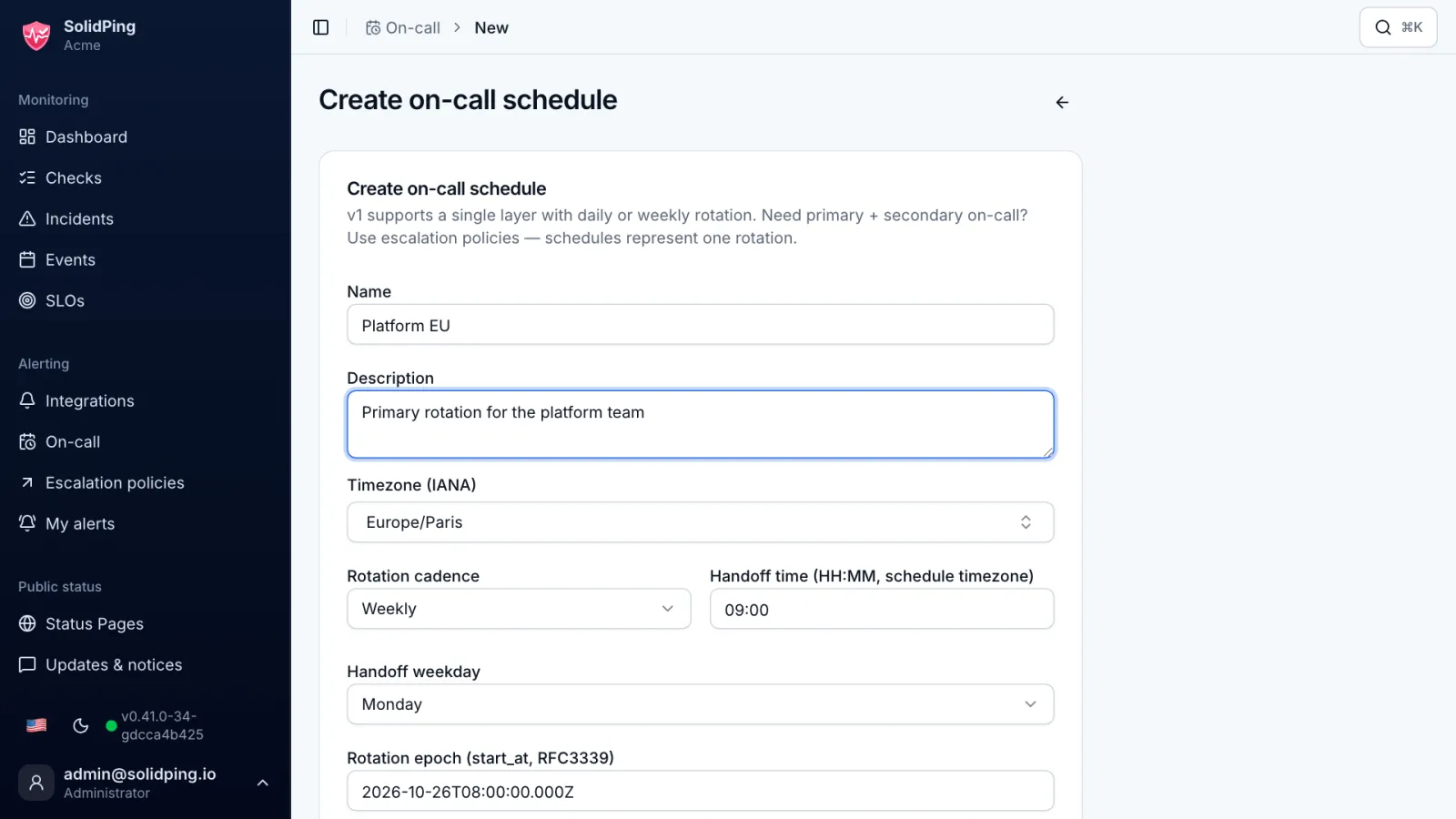
On the On-call page, click Create schedule and give it a name and a timezone. A schedule answers one question: who is responsible right now?
Set the rotation
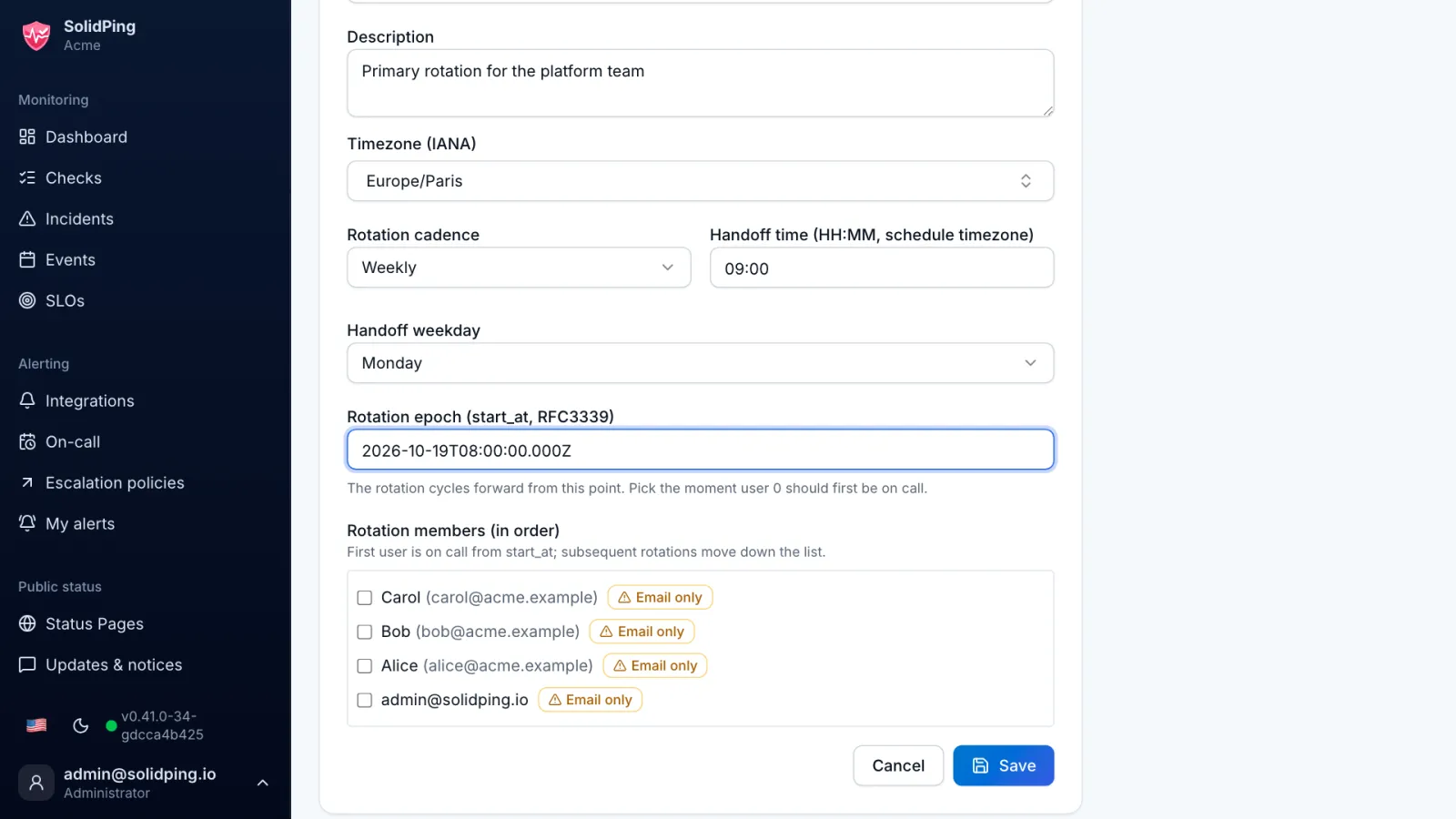
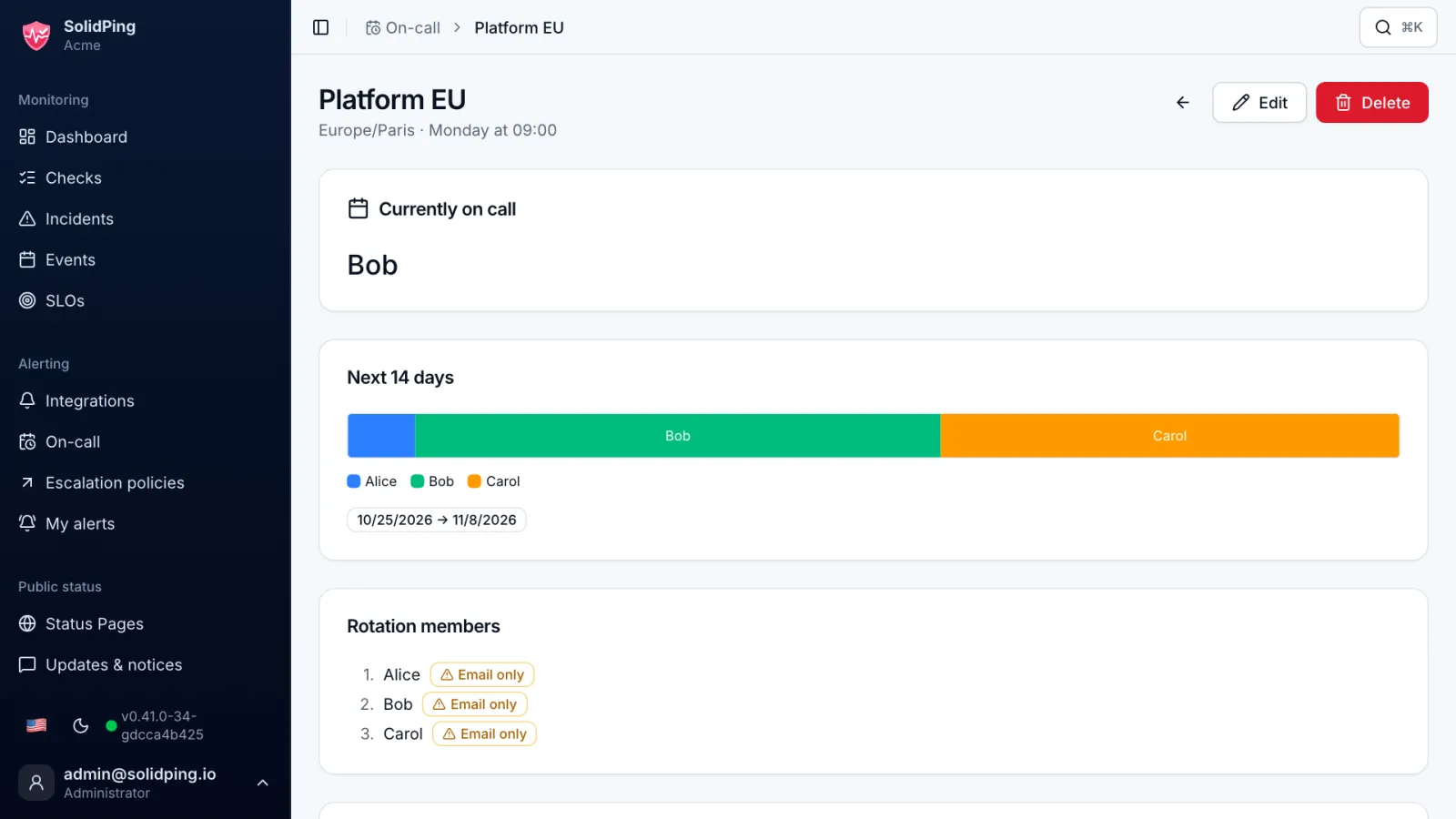
Choose a daily or weekly rotation and the handoff time, here Monday at 09:00. Handoffs follow the wall clock of the timezone, so daylight saving changes do not shift them.
Add the rotation members
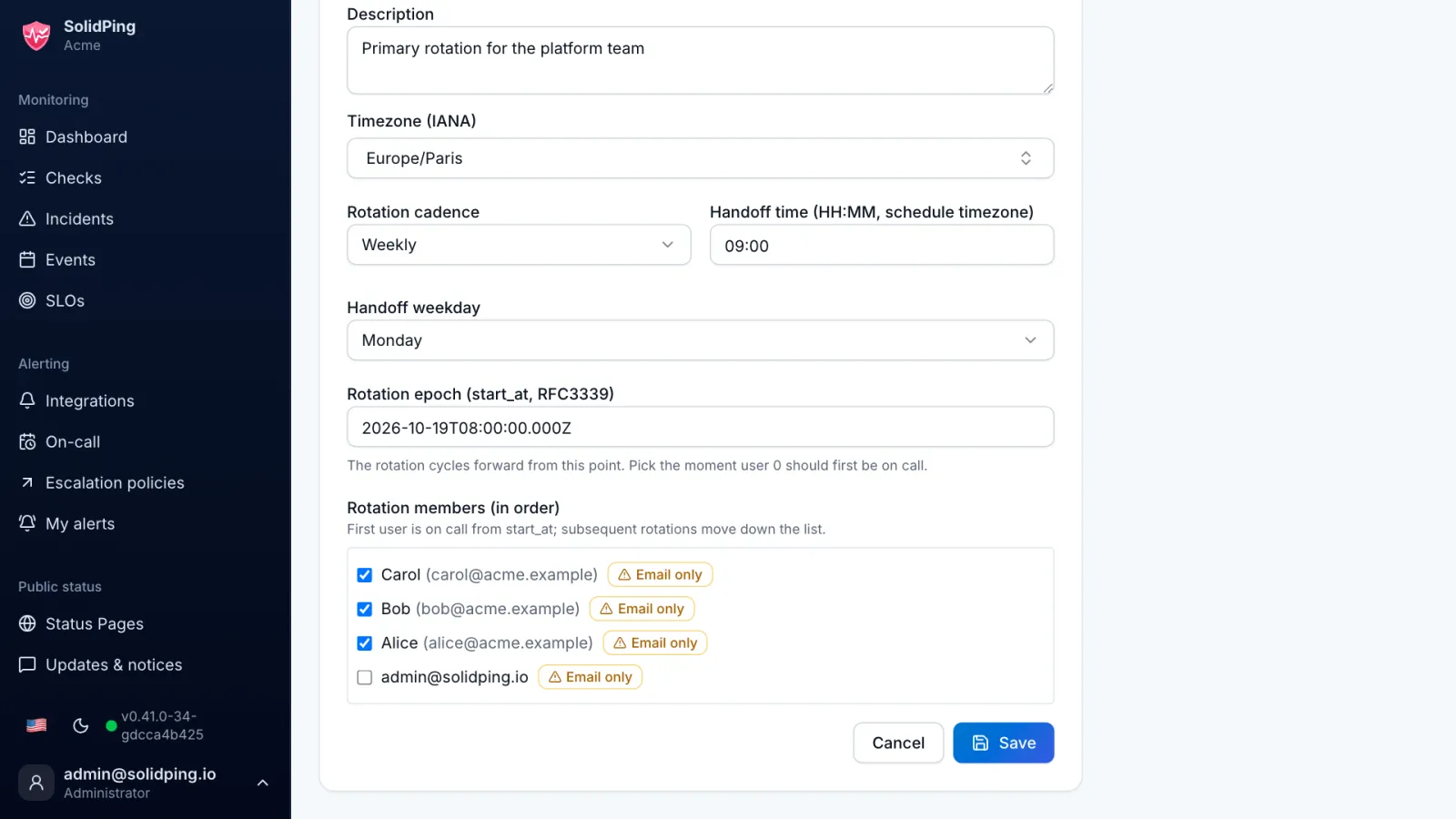
Add Alice, Bob and Carol, in order. The schedule walks this list from the start date and always resolves to exactly one person.
See who is on call
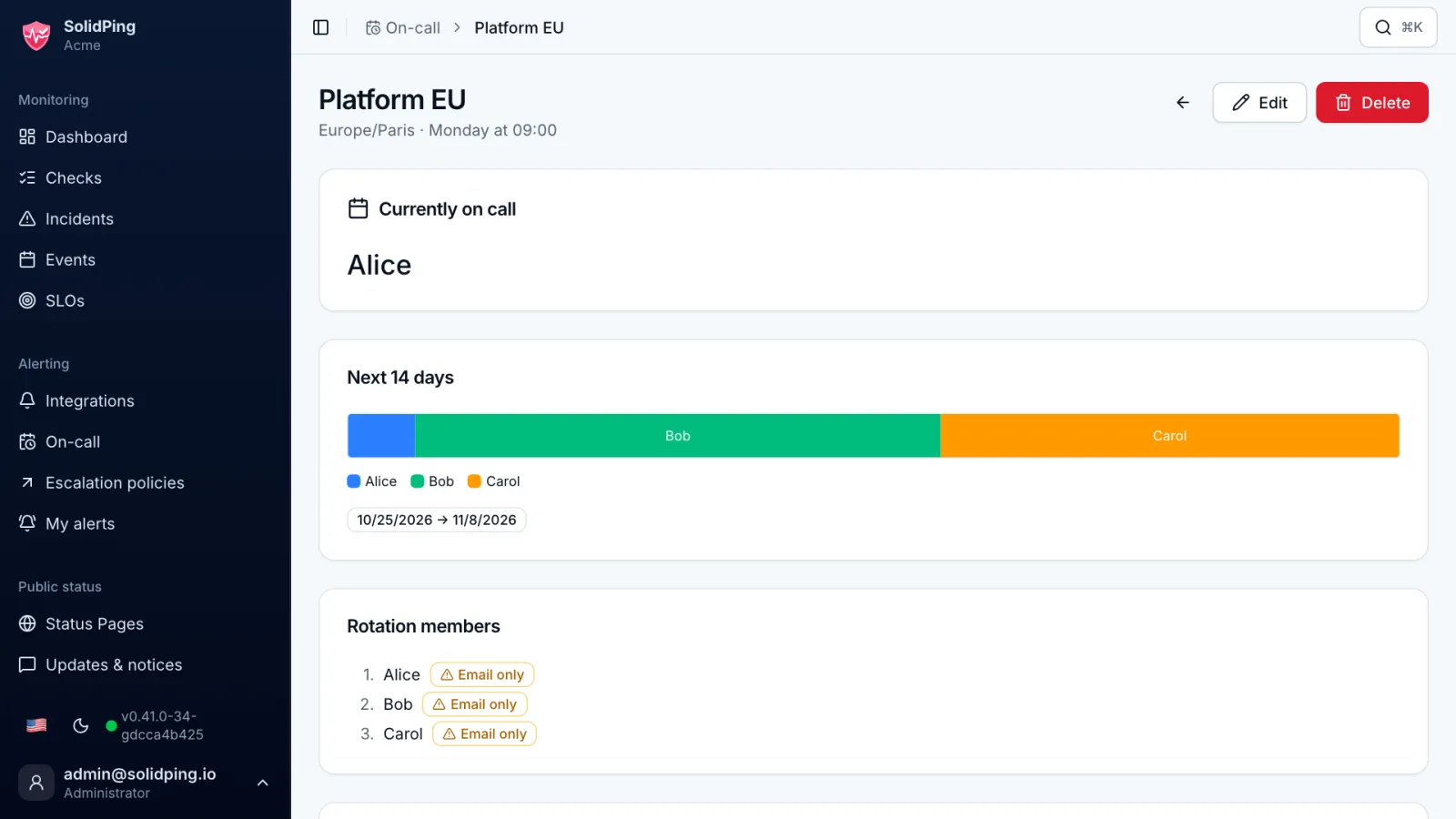
The page shows who is currently on call and who is next.
Add an override
Click Add override and set a start, an end and a reason. It replaces the scheduled person for that time, and nothing else changes.
Enable the iCal feed
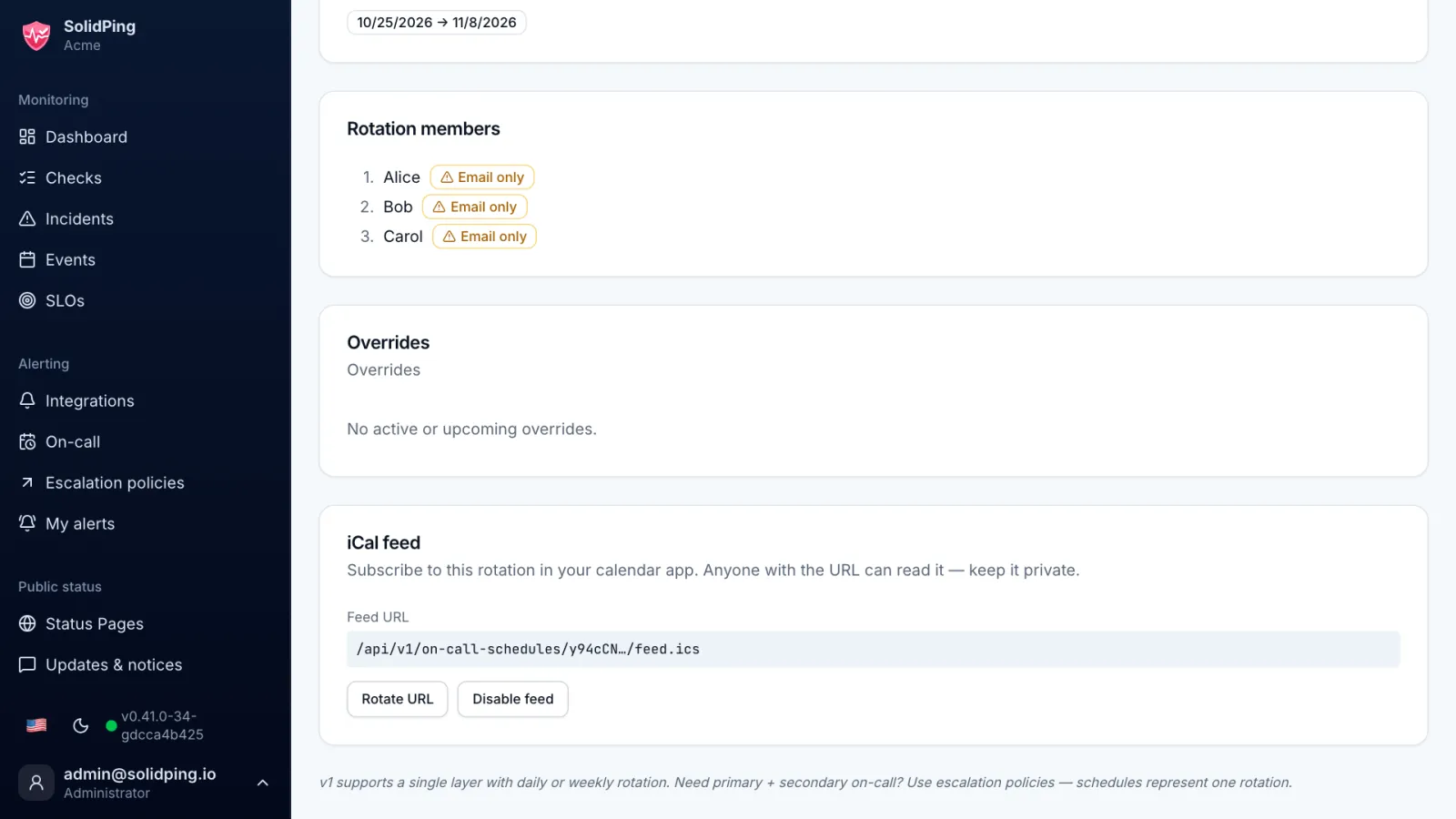
Enable the iCal feed and copy its URL into Google Calendar, Apple Calendar or Outlook. The feed token can be rotated at any time.